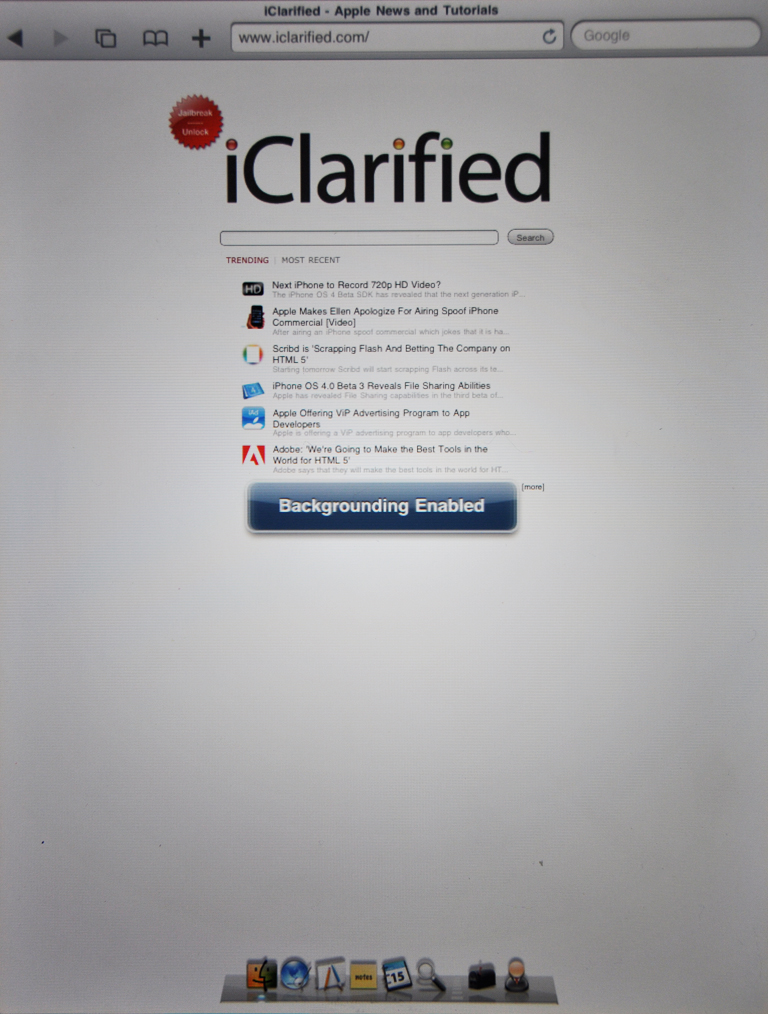
Apple has announced international pricing for the iPad in Australia, Canada, France, Italy, Spain, and the UK.
Australia:
iPad is available in Australia for a recommended retail price of AUS$629 inc GST for 16GB, AUS$759 inc GST for 32GB, AUS$879 inc GST for 64GB for Wi-Fi models and AUS$799 inc GST for 16GB, AUS$928 inc GST for 32GB and AUS$1049 inc GST for 64GB for Wi-Fi + 3G models.
Canada:
iPad is available in Canada for a suggested retail price of $549 (CAN) for 16GB, $649 (CAN) for 32GB, $749 (CAN) for 64GB for Wi-Fi models and $679 (CAN) for 16GB, $779 (CAN) for 32GB and $879 (CAN) for 64GB for Wi-Fi + 3G models.
France:
iPad est disponible en France au prix de vente conseillé de 499 € pour le modèle 16 Go, 599 € pour le modèle 32 Go, 699 € pour le modèle 64 Go en version Wi-Fi, et au prix de vente conseillé de 599 € pour le modèle 16 Go, 699 € pour le modèle 32 Go, 799 € pour le modèle 64 Go en version Wi-Fi + 3G.
Italy:
iPad è disponibile in Italia ad un prezzo consigliato di €499 per 16GB, €599 per 32GB, €699 per 64GB per i modelli Wi-Fi e €599 per 16GB, €699 per 32GB e €799 per 64GB per i modelli Wi-Fi + 3G.
Spain:
El iPad estará disponible en España al precio recomendado (IVA incluído) de 479 euros el modelo de 16GB, 579 euros el de 32GB y 679 euros el de 64GB, en el caso de los modelos Wi-Fi; y al precio recomendado (IVA incluído) de 579 euros el de 16GB, 679 euros el de 32GB y 779 euros el de 64GB, para modelos del iPad con Wi-Fi + 3G.
United Kingdom:
iPad is available in the UK for a suggested retail price of £429 (inc. VAT) for 16GB, £499 (inc. VAT) for 32GB, £599 (inc. VAT) for 64GB for Wi-Fi models and £529 (inc. VAT) for 16GB, £599 (inc. VAT) for 32GB and £699 (inc. VAT) for 64GB for Wi-Fi + 3G models.
Australia:
iPad is available in Australia for a recommended retail price of AUS$629 inc GST for 16GB, AUS$759 inc GST for 32GB, AUS$879 inc GST for 64GB for Wi-Fi models and AUS$799 inc GST for 16GB, AUS$928 inc GST for 32GB and AUS$1049 inc GST for 64GB for Wi-Fi + 3G models.
Canada:
iPad is available in Canada for a suggested retail price of $549 (CAN) for 16GB, $649 (CAN) for 32GB, $749 (CAN) for 64GB for Wi-Fi models and $679 (CAN) for 16GB, $779 (CAN) for 32GB and $879 (CAN) for 64GB for Wi-Fi + 3G models.
France:
iPad est disponible en France au prix de vente conseillé de 499 € pour le modèle 16 Go, 599 € pour le modèle 32 Go, 699 € pour le modèle 64 Go en version Wi-Fi, et au prix de vente conseillé de 599 € pour le modèle 16 Go, 699 € pour le modèle 32 Go, 799 € pour le modèle 64 Go en version Wi-Fi + 3G.
Italy:
iPad è disponibile in Italia ad un prezzo consigliato di €499 per 16GB, €599 per 32GB, €699 per 64GB per i modelli Wi-Fi e €599 per 16GB, €699 per 32GB e €799 per 64GB per i modelli Wi-Fi + 3G.
Spain:
El iPad estará disponible en España al precio recomendado (IVA incluído) de 479 euros el modelo de 16GB, 579 euros el de 32GB y 679 euros el de 64GB, en el caso de los modelos Wi-Fi; y al precio recomendado (IVA incluído) de 579 euros el de 16GB, 679 euros el de 32GB y 779 euros el de 64GB, para modelos del iPad con Wi-Fi + 3G.
United Kingdom:
iPad is available in the UK for a suggested retail price of £429 (inc. VAT) for 16GB, £499 (inc. VAT) for 32GB, £599 (inc. VAT) for 64GB for Wi-Fi models and £529 (inc. VAT) for 16GB, £599 (inc. VAT) for 32GB and £699 (inc. VAT) for 64GB for Wi-Fi + 3G models.