Thursday, 8 April 2010
Geohot Posts Keys for the 3.2 iPad Firmware!
Wednesday, 7 April 2010
Camera for iPad Takes Photos Via iPhone
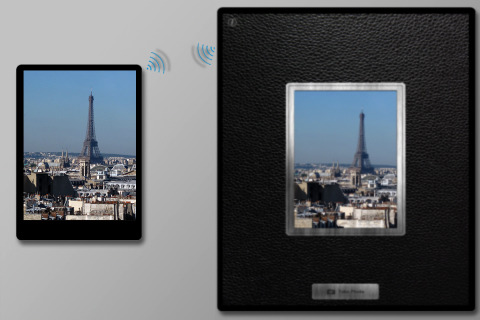
Yesterday we wrote about CAMERA-A and CAMERA-B companion apps to take pictures with your iPad via the iPhone. Today, Headlight Software is offering Camera for iPad, a universal binary which offers similar functionality.
Simply start Camera for iPad on both devices, and they'll find each other. Your iPad shows what the iPhone's camera is seeing. Intuitive controls let you zoom with a pinch or rotate with a swipe. And just tap the button to take a high resolution photo that is saved onto your iPad.
FEATURES:
★ Bluetooth, so no setup at all.
★ Live viewfinder shows what the iPhone's camera is seeing.
★ Pictures are taken at the iPhone camera's full resolution and look gorgeous on the iPad!
★ Makes a great remote preview when taking group photos!
★ Not just for the iPad! You can connect an iPhone to an iPod touch, or even connect one iPhone to another, and choose which is the sender and which is the receiver.
DETAILS:
★ Requires two devices, one to send pictures and one to receive.
★ Both iPhone 3G and 3GS are supported for sending pictures.
★ For receiving pictures, most devices are supported: iPad; iPod touch 2nd and 3rd generation; and another iPhone 3G/3GS are ALL supported!
You can purchase Camera for iPad from the App Store for $0.99.
Read More
First Images of Cydia Running on the iPad
Will Strafach has posted the first images of Cydia running on the iPad. His iPad was jailbroken using the 'Spirit' jailbreak by Comex.
"I didn't think anything could be faster than ra1n or gp. @comex proved that wrong. It works so naturally. All he needs now is an ego inflation and he'll be the new @geohot! *g* In all seriousness though, top notch stuff. "
Take a look at the images below...
Read More
Ultimate Way to Experience Twitter on Your iPad
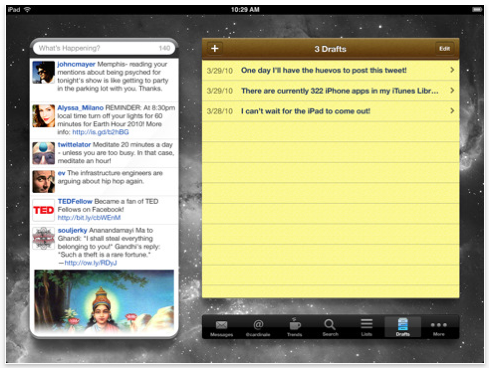
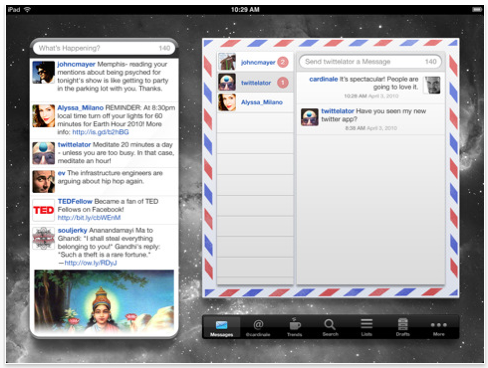
Stone Design/Big Stone Phone have announced the release of Twittelator for iPad 1.0.1, an evolution of its award winning Twitter client. Its beautiful user interface allows you to always keep your friends' tweets in view while you explore the rest of what Twitter has to offer. Twittelator for iPad is available now for only $4.99 from the App Store.
"Twittelator for iPad represents the perfect blend of user experience design and rich functionality," said Andrew Stone (@twittelator), Stone Design's CEO.
Twittelator for iPad features include:
* Terrific multiple account support
* Images are shown inline. No more having to follow a link just to preview a photo
* Keep your friends' tweets in view at all times
* View messages in an organized conversation view
* Create and manage drafts
* Discover nearby tweets in a map view
* Set customizable wallpapers
* Post photos and voice recordings
* Automatically splits up long tweets to allow for longer messages
* All of this amongst a rich set of other highly tuned features
Twittelator for iPad is based on the mature framework used in Twittelator Pro for the iPhone, which Mac|Life magazine deemed best-of-breed and of which Apple named as one of the summer's hottest releases.
"Absolutely nothing was taken for granted when designing Twittelator for the iPad. Every graphic and interaction was distinctly tailored to create an ideal Twitter experience," said designer Anthony Cardinale.
Pricing and Availability:
Twittelator for iPad 1.0.1 is only $4.99 USD (or equivalent amount in other currencies) and available worldwide exclusively through the App Store in the Social Networking category.
Read More
1Password Pro Gets Updated With iPad Interface
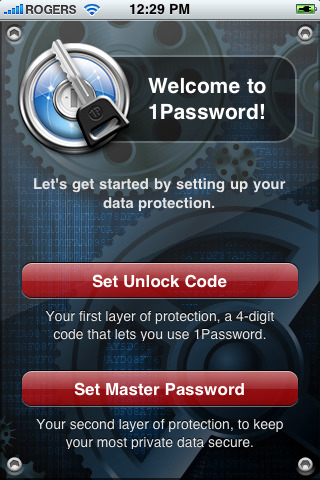
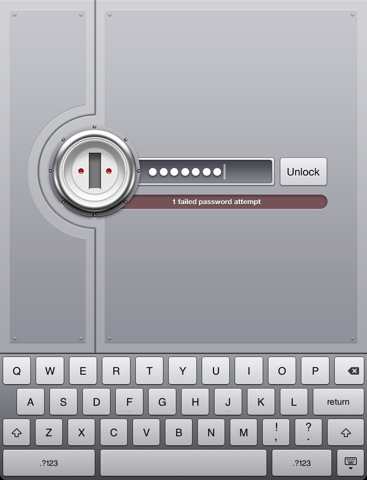
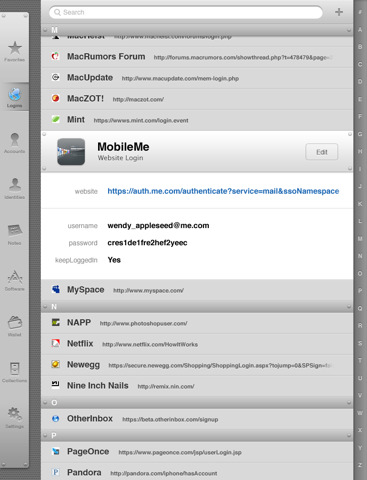
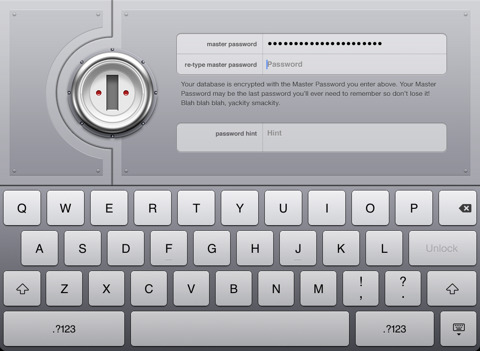
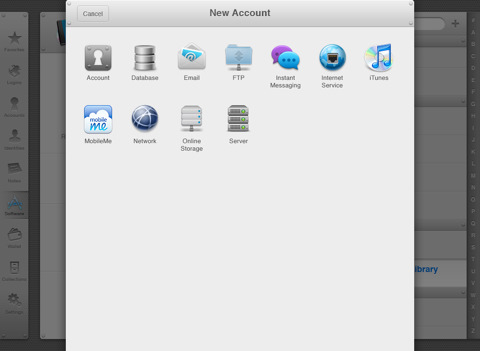
1Password Pro has been updated as a universal application with iPad support for existing customers. This means if you have already purchased the application you do not need to pay again or download the iPad only version.
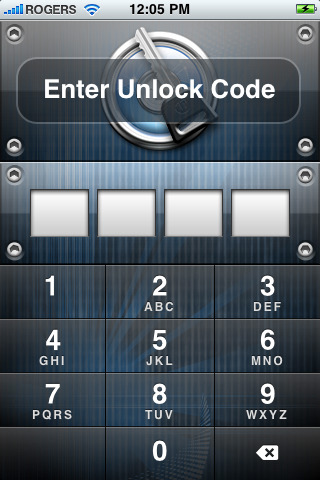
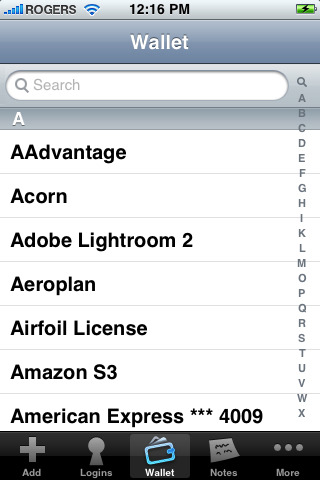
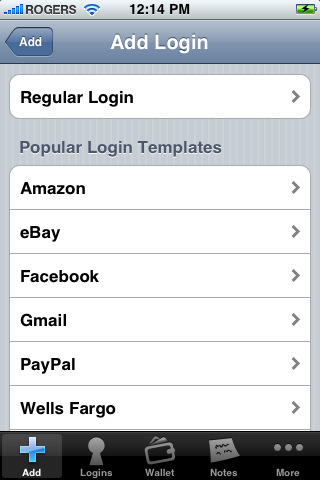
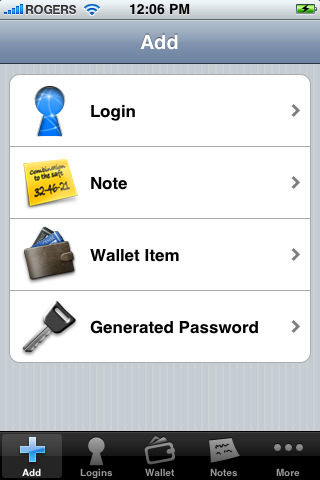
1Password will securely store your important information and can automatically log you into websites with a single tap. There's no need to remember the username, password, or even the website address. With the ability to save and sync text notes, credit card numbers, and other sensitive information, everyone from Macworld to Apple itself loves 1Password!
FEATURE LIST:
• Includes user interface for both iPhone and iPad.
• Special easy switching mode allows you to quickly copy-and-paste usernames and passwords to Mobile Safari.
• Folders for better organization (in this version a desktop application required - sold separately)
• Features coming soon: Favorites, MobileMe/WebDAV syncing, and more.
• Securely store your website names and passwords so you never forget them again
• Save important information like credit cards and membership numbers
• Jot down other notes too sensitive for stickies or bar napkins
• Synchronize it all with 1Password for Mac via Wi-Fi (sold separately, available at http://1password.com)
• Automatically log into Web sites on iPhone and iPod touch to avoid remembering and typing usernames and passwords
• Hardware-accelerated AES encryption and Auto-Lock keep your data protected even if your iPhone is lost or stolen
• All cryptographic operations are performed using standard iPhone libraries to ensure there are no security gaps or backdoors
• Two-layer defense with Unlock Code and Master Password to combine security and convenience
• Data Backup & Restore option available on Mac, Windows and Linux.
What's New In This Version:
This update includes new user interface for iPad.
You can purchase 1Password Pro from the App Store for $14.99.
Read More